How Sessions End with the Wind-Down Routine
Meevee’s Wind-Down Routine is a gentle, interactive feature that helps signal the end of a play session. This thoughtful approach makes the transition away from screen time a calm and positive experience for your child, avoiding abrupt endings and the tantrums that can come with them.
What the Wind-Down Routine Is
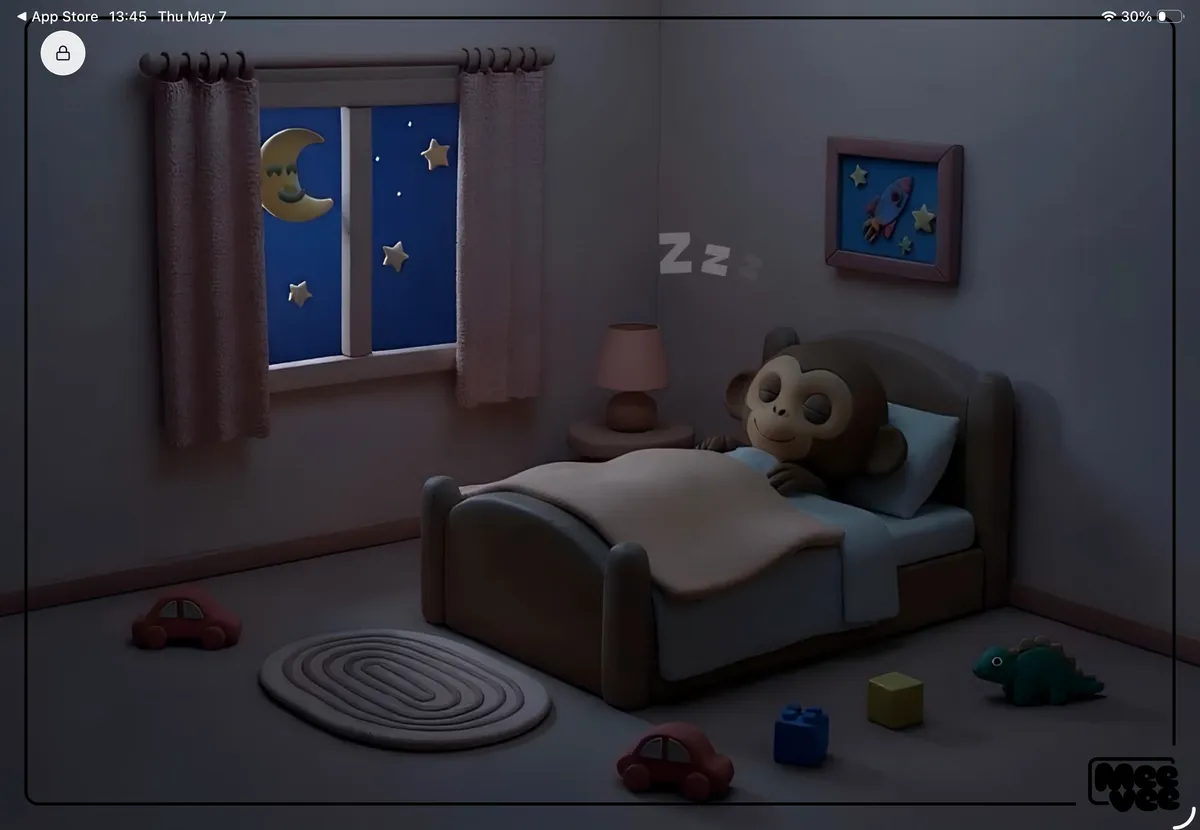
The Wind-Down Routine is a short, animated sequence that automatically begins when your child’s set screen time is over. Instead of the screen simply turning off, your child is invited to help our guide, Mookee the Monkey, get ready for bed.
- Mookee gets sleepy: As the session timer ends, Mookee yawns and gets tired.
- Your child helps out: Your child gets to tuck Mookee into his bed and turn off the lamp.
- A gentle ending: The session concludes with a peaceful animation of Mookee sleeping, accompanied by a soft lullaby.
Why It Matters
Abruptly ending screen time can be jarring for children. The Wind-Down Routine is designed to make this transition smoother for everyone.
- It creates a sense of closure: By actively participating in putting Mookee to bed, your child is given a role in ending the session, which provides a feeling of control and completeness.
- It manages expectations: The routine serves as a clear, predictable, and gentle signal that screen time has finished, helping to prevent arguments or frustration.
- It encourages a calm transition: The sleepy theme and soothing music help your child’s energy levels wind down, preparing them for the next part of their day, whether it’s dinner time, chores, or another offline activity.
Summary
The Wind-Down Routine is an automatic, interactive sequence that creates a gentle and predictable end to every play session. By having your child help Mookee the Monkey go to sleep, this feature provides a sense of closure, prevents abrupt transitions, and helps your child calmly move from screen time to their next activity.