How to Add Your Child’s Profile and Interests
After setting up your parent profile, the next step is to tell Meevee about your child. This guide shows you how to provide details like your child’s name, age, interests, and developmental milestones through a simple chat with Mookee. This information allows Meevee to personalize the content and create a tailored experience.
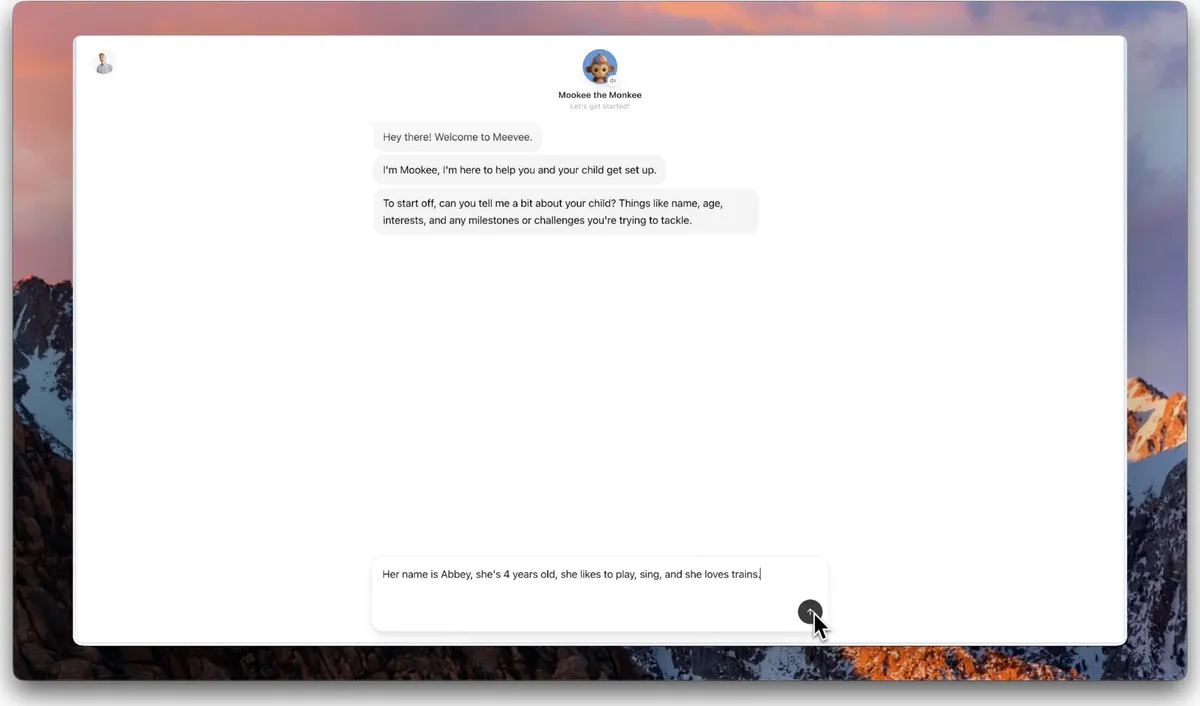
After creating your family profile, you will enter a chat with Mookee, who will ask for some information about your child.
In the message box, type your child’s name, age, and a few of their interests.
Click the send button to submit the information.
If you haven’t given them in the first prompt, Mookee will then ask about any developmental milestones your child is working on. Tap the relevant options from the list provided or add your own to the chat.
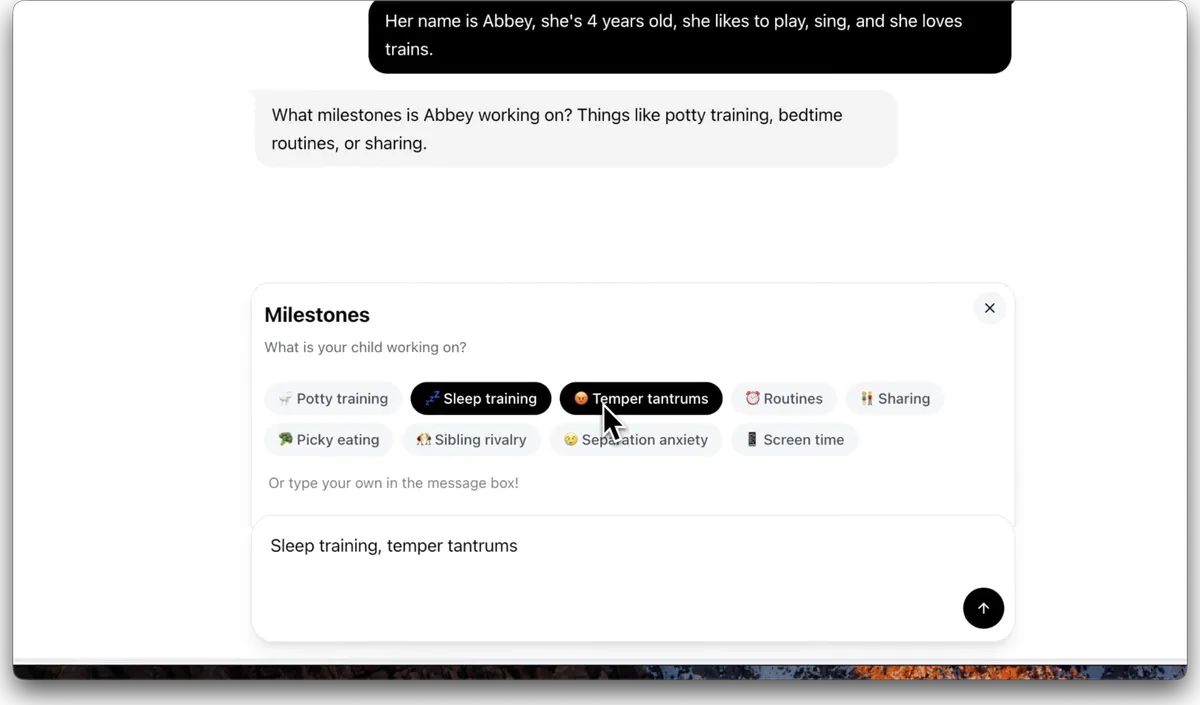
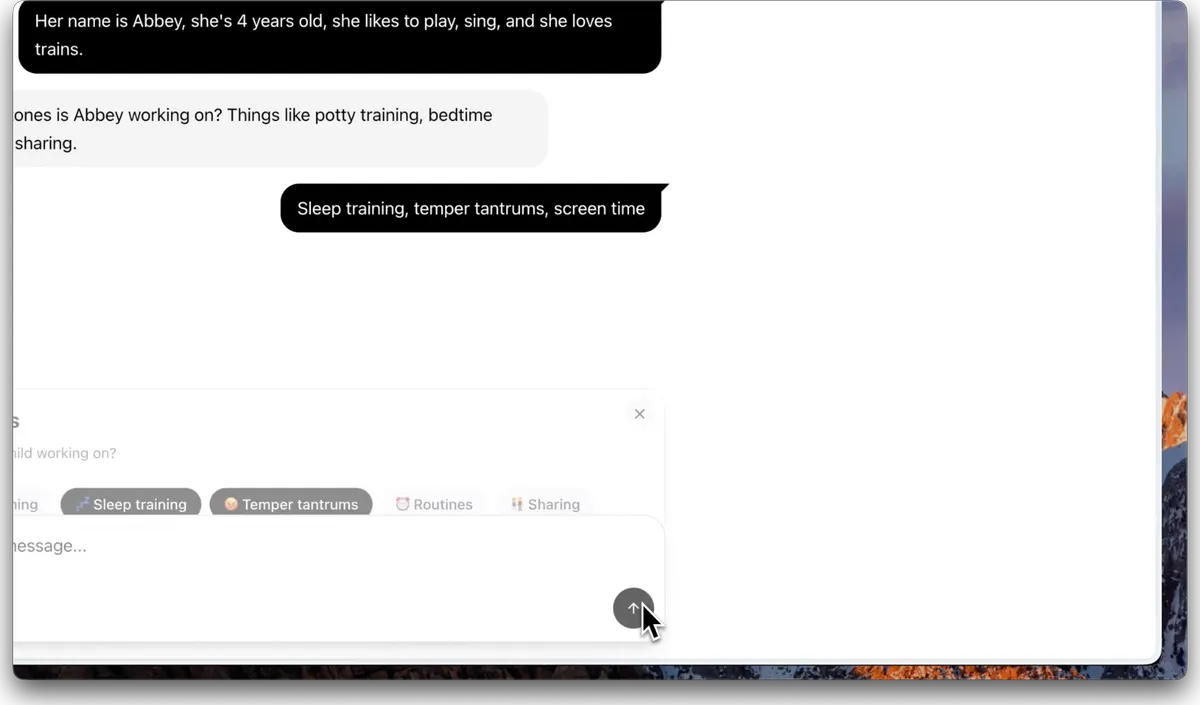
Tap the send to confirm your selections.
Finally, Mookee will ask what languages your child hears at home. Type the language(s) into the message box.
Meevee’s play screen for kids currently English and Dutch!
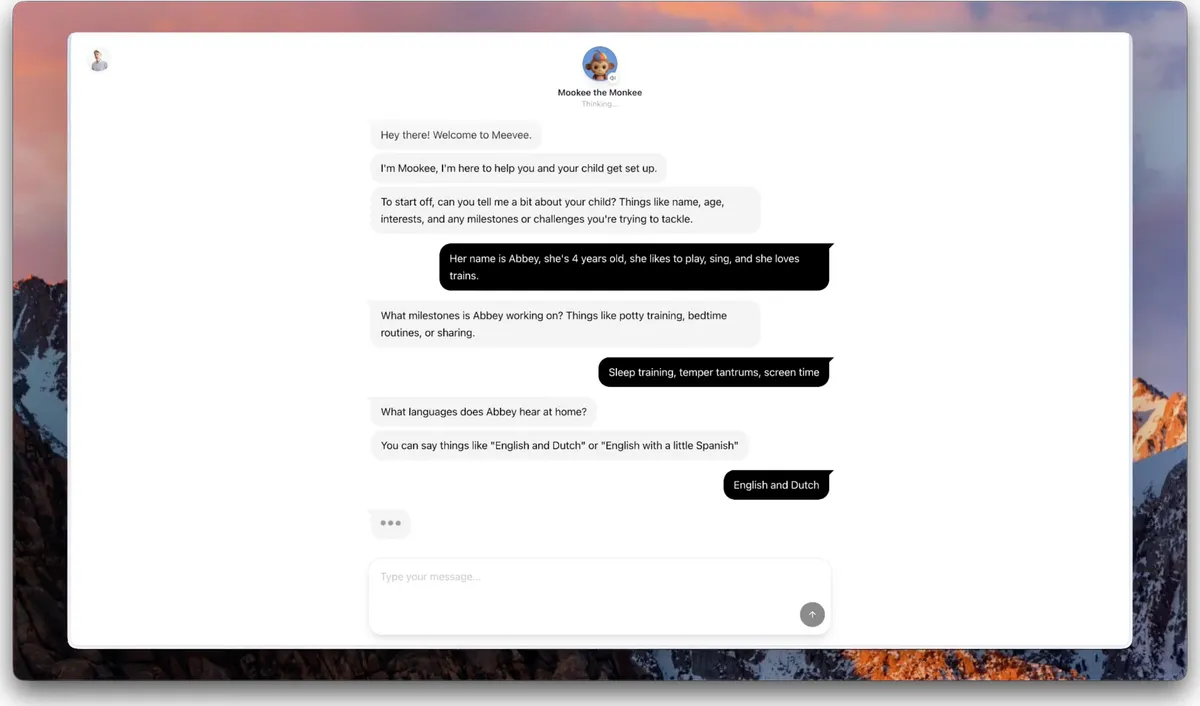
Click the send button. Mookee now has all the information needed to tailor sessions for your child.
Summary
This article explains how to set up your child’s profile in Meevee. By sharing your child’s name, age, interests, and milestones in a guided chat, you enable Meevee to curate a personalized library of videos and activities tailored to their specific needs and preferences.