How to Send Feedback or Report an Issue via Chat
This article explains how to send feedback, report a bug, or request a new feature directly from the Meevee chat. Using special hashtags ensures your message gets to the right people on our team quickly. You will need to be logged into your Meevee account.
In the main chat screen with Mookee the Monkee, type your message into the text field at the bottom.
Include one of the following hashtags in your message to categorize it for our team:
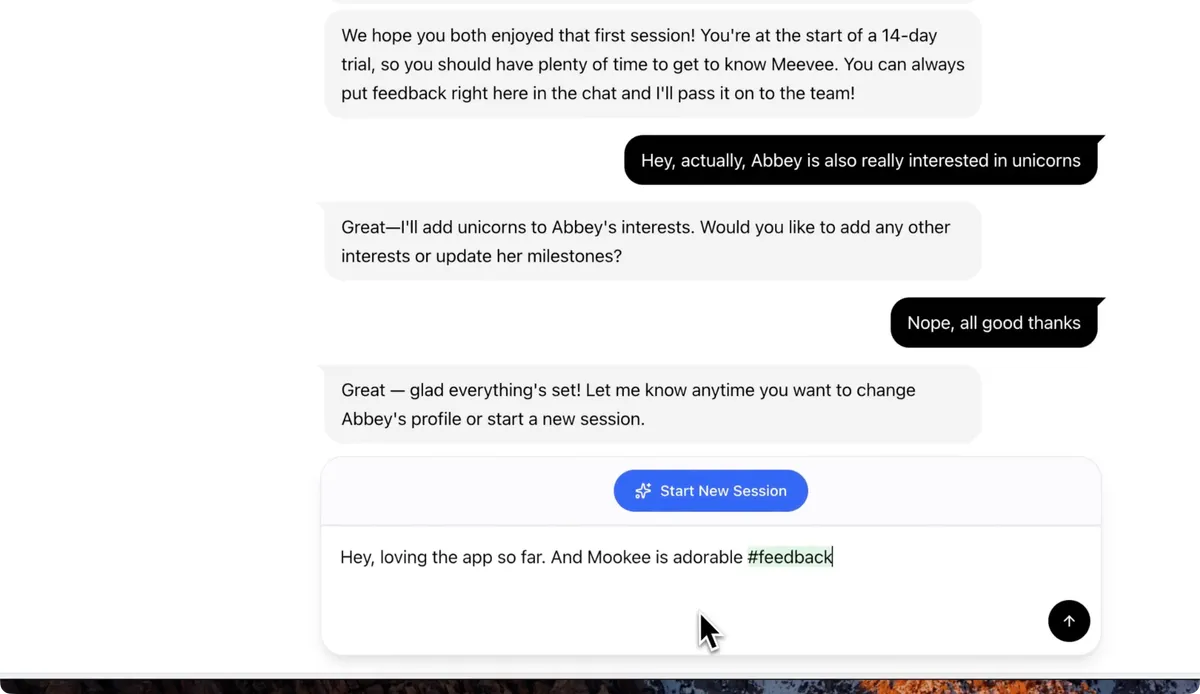
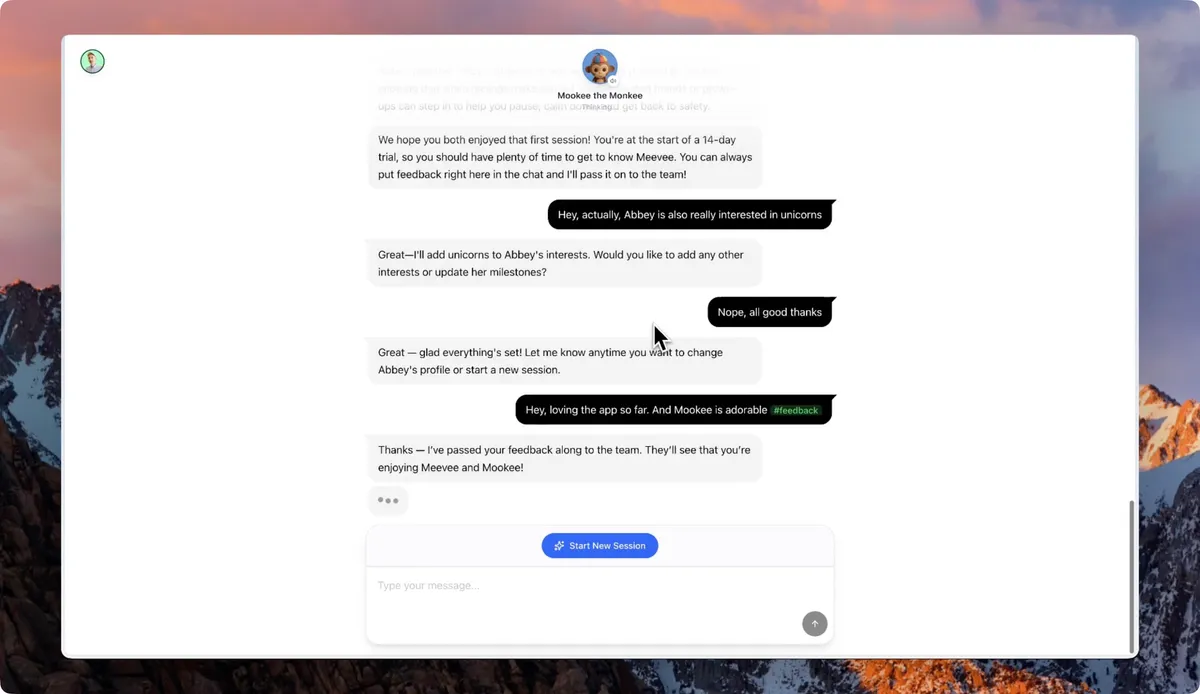
Click the send icon. Your message will be sent directly to the Meevee team.
Summary
Sending feedback or reporting issues through the chat is a fast and effective way to communicate with the Meevee team. By using hashtags like #feedback, #request, or #bug, you can categorize your message, which helps us address your comments more efficiently. This direct line of communication allows you to contribute to the improvement of Meevee and share your ideas with us.